Creating a cozy and functional home workspace is essential for anyone working remotely or spending significant time at a desk. A well-designed space can boost your productivity, improve focus, and make working from home more enjoyable. Here are practical tips to help you set up a workspace that balances comfort and efficiency.
Choose the Right Location
Selecting the ideal spot in your home is the first step toward creating a great workspace.
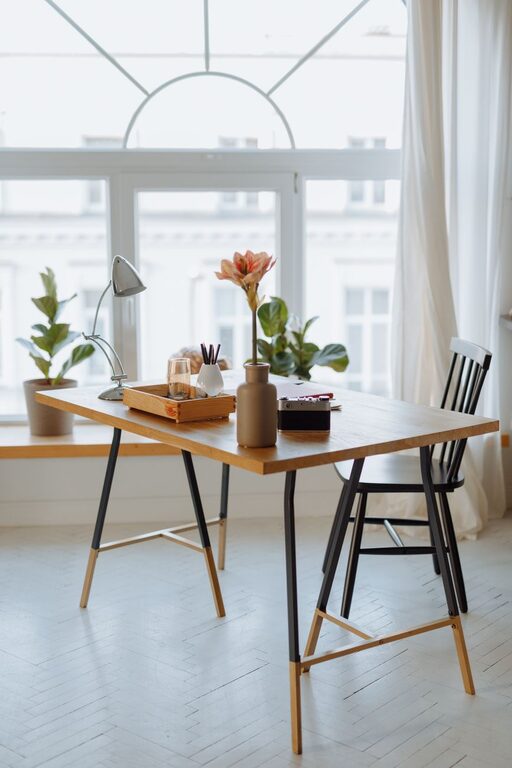
– Consider natural light: Position your desk near a window if possible. Natural light can enhance mood and reduce eye strain.
– Minimize distractions: Find a quiet corner or room away from busy household areas.
– Think about space: Ensure there’s enough room for your desk, chair, and any equipment you need.
Invest in Comfortable and Supportive Furniture
Comfort is key when working for extended periods.
– Ergonomic chair: Choose a chair that supports your back, encourages good posture, and is adjustable in height.
– Appropriate desk height: Your desk should allow your arms to rest comfortably at a 90-degree angle.
– Footrest: If your feet don’t sit flat on the floor, a footrest can alleviate pressure from your legs.
Organize Your Supplies and Equipment
Keeping your workspace tidy can reduce stress and increase productivity.
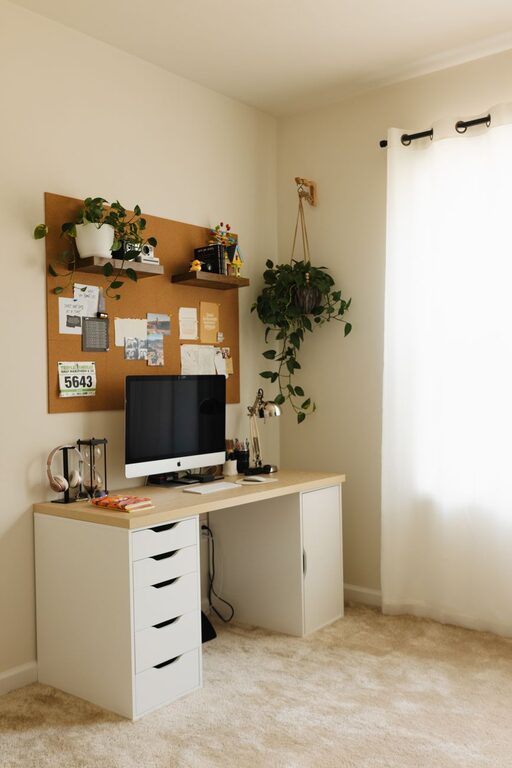
– Use storage solutions: Drawer organizers, shelves, and bins can keep supplies neatly stored.
– Cable management: Use clips or sleeves to keep cords organized and out of sight.
– Keep essentials close: Store frequently used items within reach to avoid constant interruptions.
Personalize Your Space Thoughtfully
Adding personal touches can make your workspace inviting without causing clutter.
– Add plants: Small, low-maintenance plants can improve air quality and aesthetics.
– Incorporate meaningful items: Photos, artwork, or a favorite mug can boost your mood.
– Choose calming colors: Soft tones like blues, greens, or neutrals promote relaxation and focus.
Optimize Lighting
Proper lighting reduces eye strain and keeps you alert.
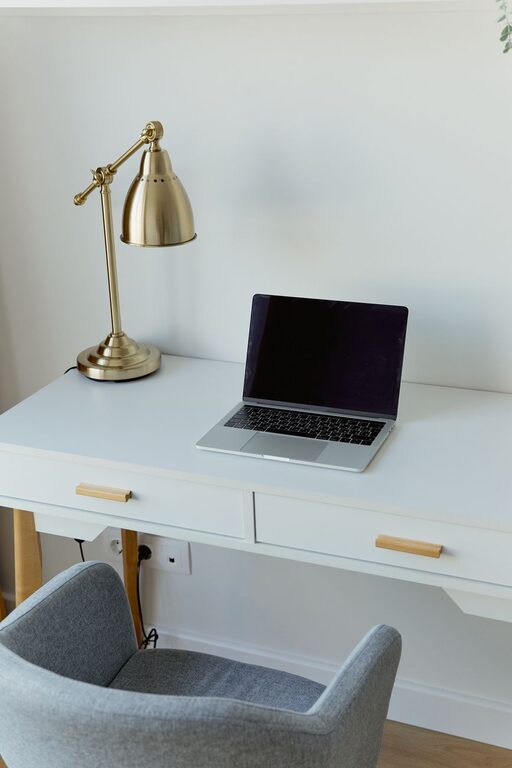
– Combine natural and artificial light: Use desk lamps with adjustable brightness to supplement daylight.
– Avoid glare: Position screens to avoid reflections from lights or windows.
– Choose warm light: Warmer bulbs are easier on the eyes and create a cozy atmosphere.
Manage Noise and Interruptions
A peaceful environment helps maintain concentration.
– Use noise-cancelling headphones: They block background noise and create a focused bubble.
– Soundproof your space: Rugs, curtains, and wall hangings absorb sound.
– Set boundaries: Communicate your work hours to family or housemates to minimize interruptions.
Incorporate Movement and Break Areas
Staying active and taking breaks are important for health and creativity.
– Standing desk or converter: Alternate between sitting and standing to reduce fatigue.
– Stretch zone: Dedicate a small area for quick stretches or exercises.
– Comfort corner: A cozy chair or nook nearby can provide a refreshing change of scenery during breaks.
Establish a Routine and Keep It Consistent
A structured routine helps you separate work time from personal time.
– Set regular hours: Stick to a schedule that fits your lifestyle and job demands.
– Declutter at day’s end: Leave your workspace organized to start fresh tomorrow.
– Use visual cues: A desk calendar or to-do list keeps you focused on priorities.
—
Designing a cozy and functional home workspace doesn’t require a huge budget or complicated renovations. With thoughtful planning and mindful choices, you can create an environment that supports your productivity while making you feel comfortable and motivated throughout the day. Whether you have a dedicated room or a small nook, these tips can help transform your space into a place you look forward to working in.
About the Author