Creating a comfortable and inviting home workspace is essential for anyone who spends a significant amount of time working from home. A well-designed workspace not only boosts productivity but also encourages creativity and reduces stress. Whether you have a dedicated room or a small corner for your office, these tips can help you design a workspace that feels cozy and welcoming.
Choose the Right Location
Find a Quiet Spot
Select a location in your home that is as quiet as possible, away from distractions like the TV or kitchen. If your space is limited, consider using noise-cancelling headphones or a white noise machine to create a peaceful environment.
Consider Natural Light
Natural light brightens up your space and helps improve mood and focus. Position your desk near a window if possible. If natural light is limited, use daylight bulbs to mimic natural light.
Invest in Comfortable Furniture
Ergonomic Chair
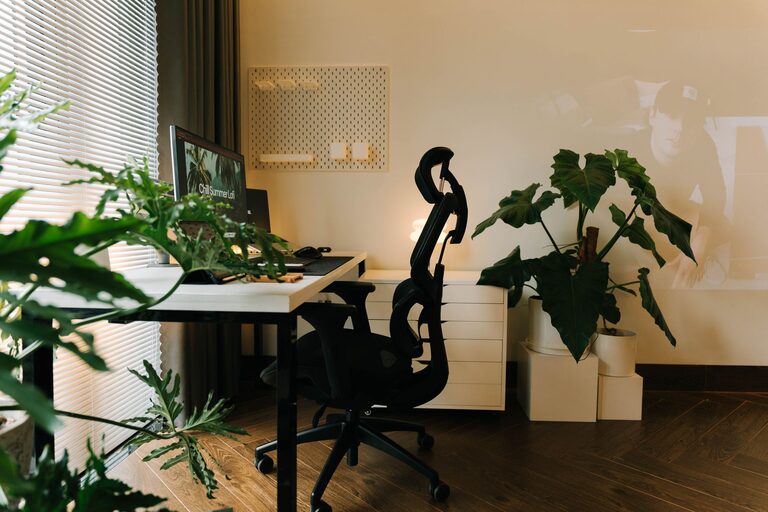
An ergonomic chair supports good posture and reduces discomfort during long work hours. Look for chairs with adjustable height, lumbar support, and comfortable padding.
Functional Desk
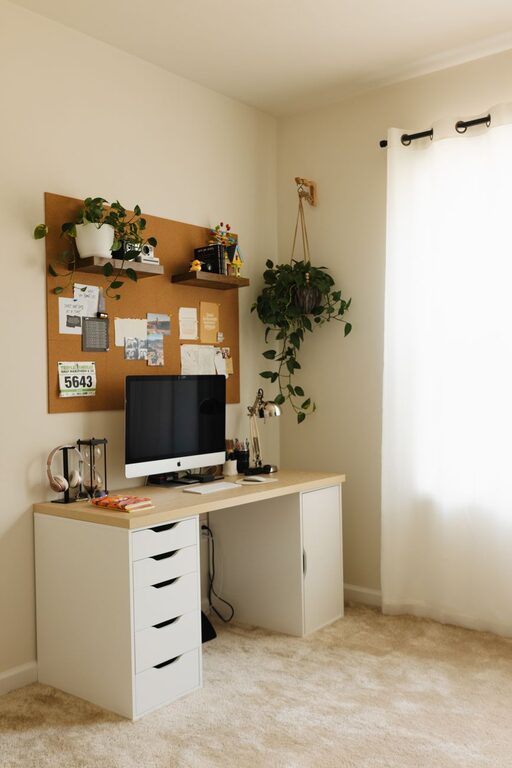
Choose a desk that fits your space and workflow. Ensure it has enough surface area for your computer, notebooks, and any other tools you need. Standing desks or convertible options offer flexibility.
Personalize Your Space
Add Soft Textiles
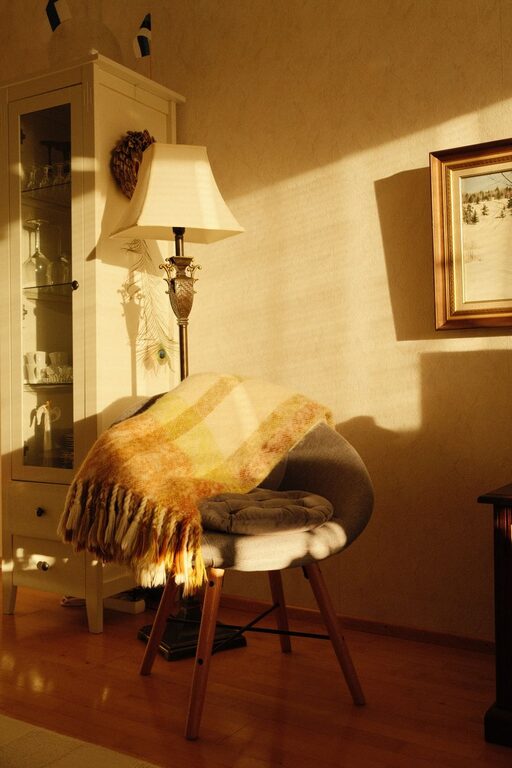
Introduce cozy elements like a soft rug, throw pillows, or a blanket for your chair. These help create a warm atmosphere and add comfort.
Use Calming Colors
Decorate with soothing colors such as soft blues, greens, or neutrals. These tones can lower stress and create a calm workspace.
Display Personal Items
Photos, artwork, or meaningful trinkets personalize your space and make it inviting. However, avoid clutter to keep your workspace neat.
Organize Efficiently
Declutter Regularly
Keep your workspace tidy by clearing out unnecessary items daily or weekly. A clutter-free environment helps your mind stay focused.
Use Storage Solutions
Use shelves, baskets, or drawer organizers to store supplies. Label containers to easily find what you need.
Cable Management
Unruly cables can make your space look messy. Use clips, trays, or ties to keep cords organized and out of sight.
Improve Lighting
Layer Your Lighting
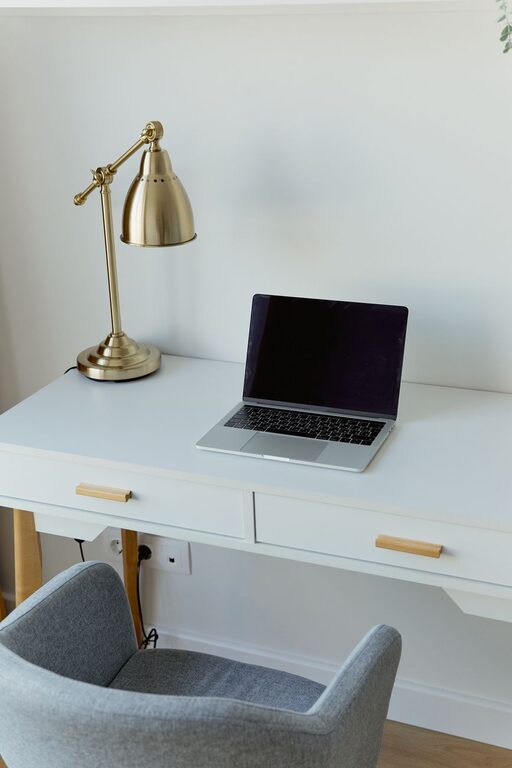
A combination of ambient, task, and accent lighting helps prevent eye strain and adds warmth. Use desk lamps with adjustable brightness for focused work.
Avoid Glare
Arrange your computer screen to avoid direct reflections from windows or lamps. Consider anti-glare screen protectors if needed.
Incorporate Greenery
Add Plants
Plants bring life and fresh air into your workspace. Choose low-maintenance options like succulents, pothos, or snake plants.
Natural Elements
Incorporate natural materials like wooden desk accessories or stone decor to create a grounded, relaxing atmosphere.
Enhance Comfort and Wellness
Control Temperature
Make sure your workspace is neither too hot nor too cold. Use fans, heaters, or adjust your thermostat to stay comfortable.
Take Breaks and Move
Set a timer to remind yourself to stand, stretch, or walk around regularly. Movement helps prevent fatigue and maintains focus.
Maintain Work-Life Balance at Home
Set Boundaries
Create clear boundaries between work and personal time by closing a door or using room dividers to separate your workspace.
End Your Day With a Ritual
Develop a ritual to “close” your workday, like tidying your desk or turning off your computer, signaling your time to relax.
—
By applying these tips, you can turn your home workspace into a cozy, inviting area that supports your productivity and well-being. Remember, a space tailored to your needs makes working from home more enjoyable and effective.
About the Author