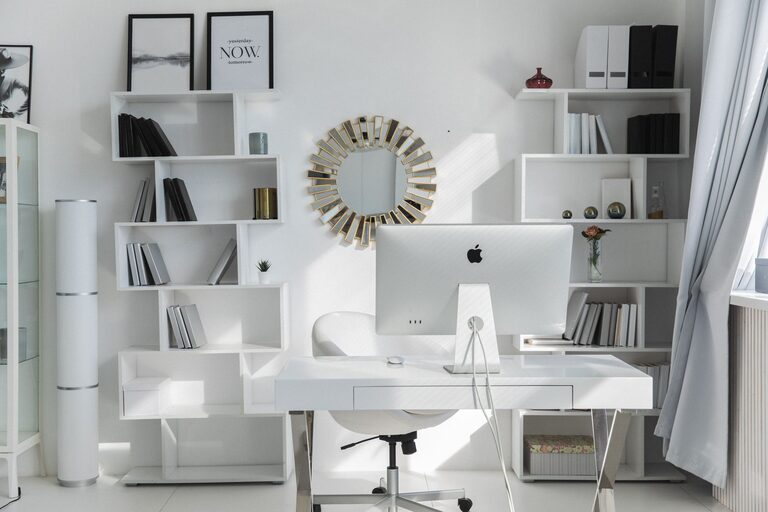
Creating a clutter-free and productive home workspace can significantly improve your focus, efficiency, and overall work experience. Whether you work remotely, run a business from home, or need a dedicated area for personal projects, organizing your workspace properly is a key step toward better productivity. Here are some practical tips to help you design an inspiring and well-organized home office.
Choose the Right Location
Finding the right spot for your home workspace is the foundation of a productive environment. Ideally, select a quiet area with good natural light. Avoid high-traffic zones or places with many distractions, such as near the television or kitchen. If space is limited, consider a corner or even a closet that can be converted into a compact work nook.
Invest in Functional Furniture
Comfort and functionality should be your guide when selecting furniture for your workspace.
– Desk: Choose a desk that fits your needs—enough surface area for your computer, notebooks, and other essentials without overcrowding.
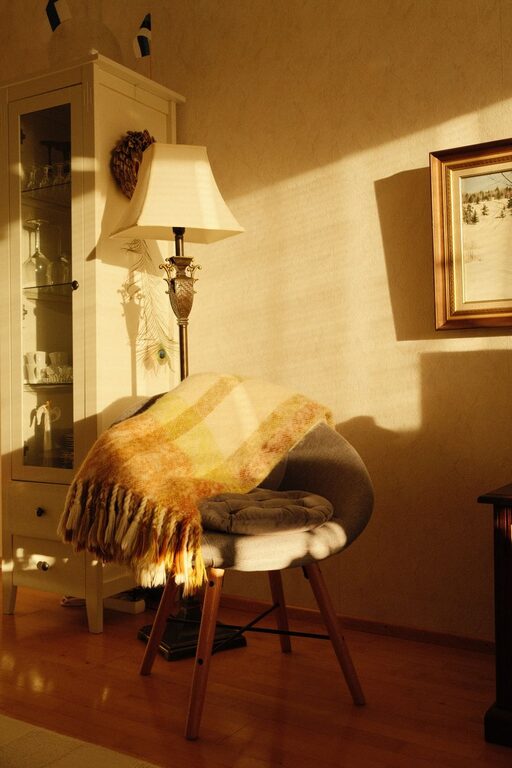
– Chair: A comfortable and ergonomic chair supports good posture and prevents fatigue.
– Storage: Shelves, drawers, or filing cabinets help keep important items organized and out of the way when not in use.
Declutter Regularly
Clutter can quickly reduce your ability to focus. Make a habit of tidying your workspace at the end of each day by:
– Removing unnecessary papers or items.
– Sorting through mail immediately.
– Only keeping daily essentials on your desk surface.
Using trays or boxes can also help contain small items, preventing them from spreading across your workspace.
Organize with Purposeful Storage Solutions
Use storage options that fit your needs and keep your tools accessible.
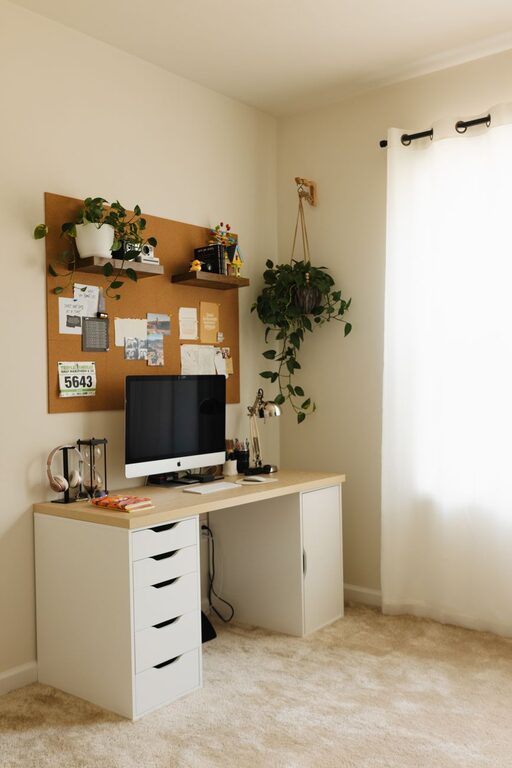
– Vertical organizers: Wall-mounted shelves or pegboards save desk space and keep supplies visible.
– Drawer organizers: Compartments separate pens, sticky notes, and cables.
– Labeling: Simple labels help you find things quickly and keep everything in its place.
Manage Technology and Cables
Tech devices are essential but can create a mess without proper management.
– Use cable clips or sleeves to keep cords tidy and out of sight.
– Position chargers and power strips to avoid tangling.
– Consider wireless devices when possible to reduce cable clutter.
Personalize Without Overcrowding
Adding personal touches to your workspace can boost motivation and comfort, but avoid overcrowding the space with too many items.
– Choose a few favorite photos or artwork.
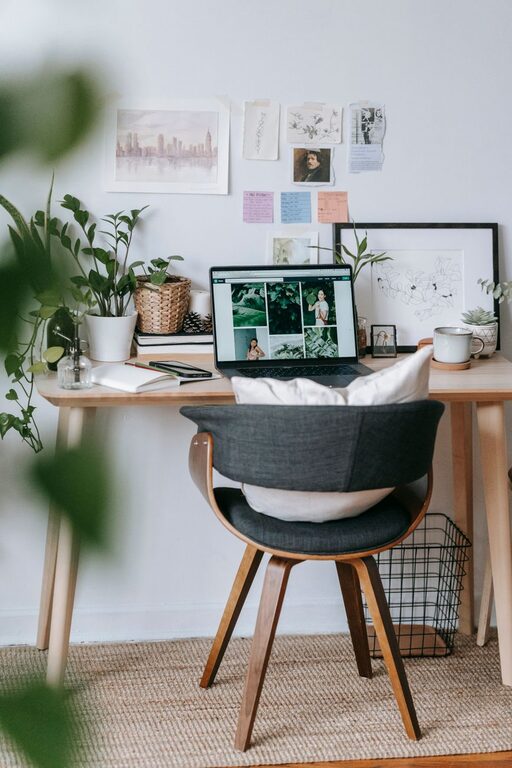
– Add a small plant to improve air quality and aesthetics.
– Select accessories in calming colors to create a welcoming atmosphere.
Establish Clear Zones
Creating zones within your workspace can improve efficiency.
– Work zone: For your computer and primary tasks.
– Supply zone: For frequently used items like pens, paper, and planners.
– Reference zone: For books, manuals, and documents that you need occasionally.
– A defined structure can reduce time searching and keep your workflow smooth.
Incorporate Good Lighting
Good lighting is essential for productivity and comfort.
– Utilize natural light as much as possible.
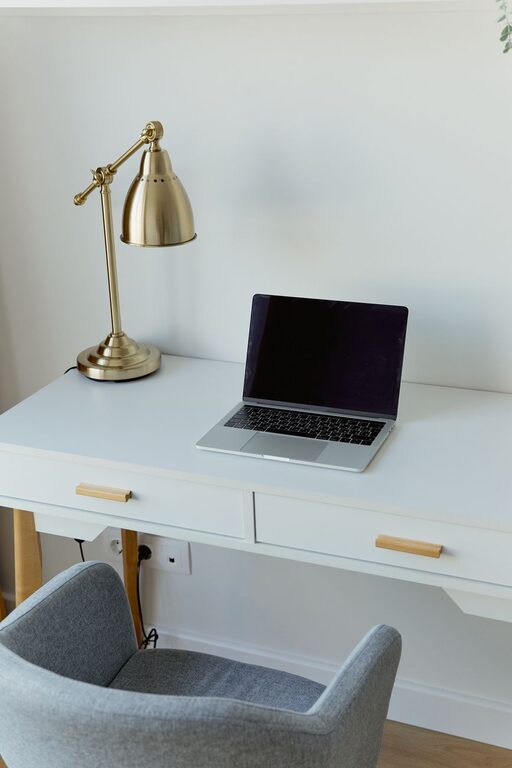
– Supplement with adjustable desk lamps that provide focused illumination.
– Avoid harsh overhead lights that cause glare or shadowing.
Maintain a Routine for Organization
Organization is an ongoing process. Set a weekly schedule to:
– Sort and file papers.
– Review if your current layout still meets your needs.
– Adjust storage or furniture as necessary.
This prevents clutter buildup and keeps your workspace fresh and inspiring.
Utilize Digital Organization Tools
Going digital helps reduce physical clutter.
– Use note-taking apps, cloud storage, and digital calendars.
– Scan important documents and store them electronically.
– Organize email inboxes regularly to prevent digital overwhelm.
Keep Comfort in Mind
A clutter-free space is productive, but comfort keeps you motivated.
– Maintain a comfortable room temperature.
– Use noise-cancelling headphones if needed.
– Take breaks outside your workspace to refresh your mind.
—
By following these tips, you can create a home workspace that supports your productivity and well-being. Remember, the best workspace is one tailored to your personal needs and preferences — organized, comfortable, and inspiring. Start small, keep tweaking, and enjoy the benefits of an efficient home office!
About the Author